From our day to day use, installing several apps, games, putting in music, videos, pictures; our beloved android gets bloated. Within a month any user starts thinking where did my gigs of storage go. Here’s a wonderful yet easy way to find out whose using the space.
Step 1.
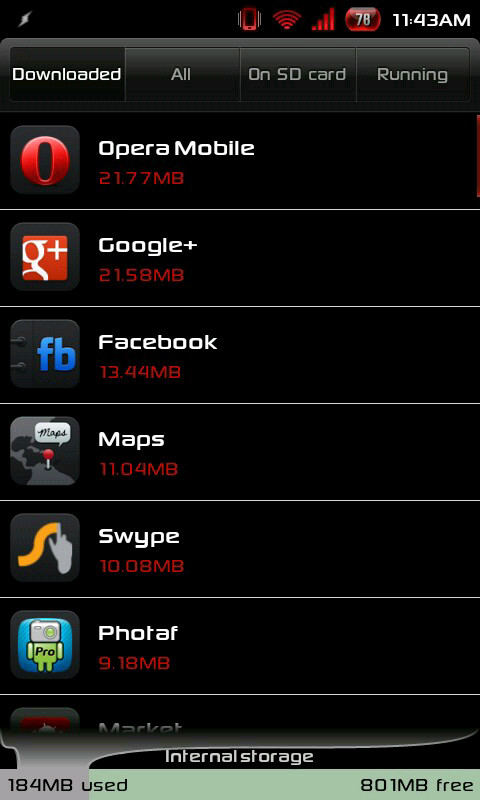
First and foremost comes android’s own way of showing how much space is being used by which apps. Go to Settings > Manage Applications and hit sort by size in the menu, you can find all the culprit apps which are bloating your mobile. Unused apps should be immediately removed, you can always install them latter from the market.
Step 2.
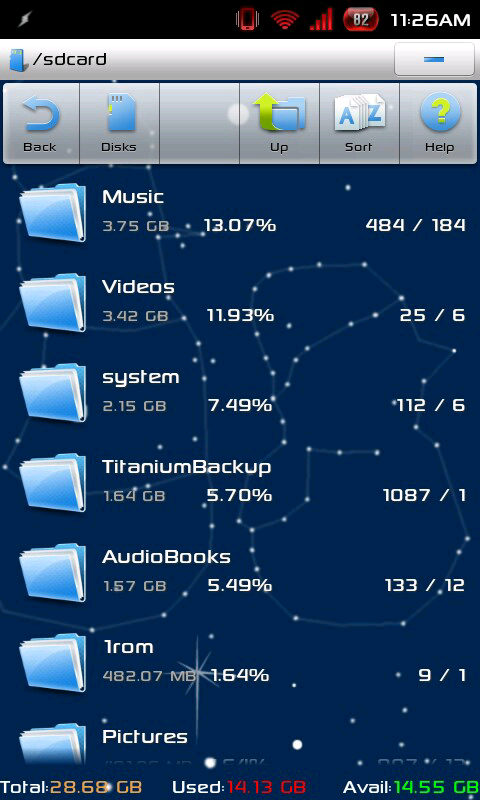
Download ES File Explorer and Run it. Then go to Menu > Manager > SD Card Analyst . In few minutes you will get to see your sd folders ordered by size
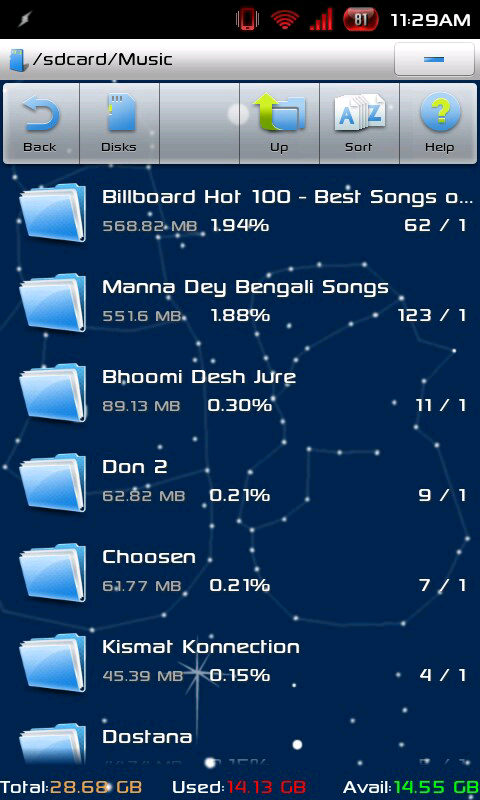
Click on a folder name to check out whats using the space.
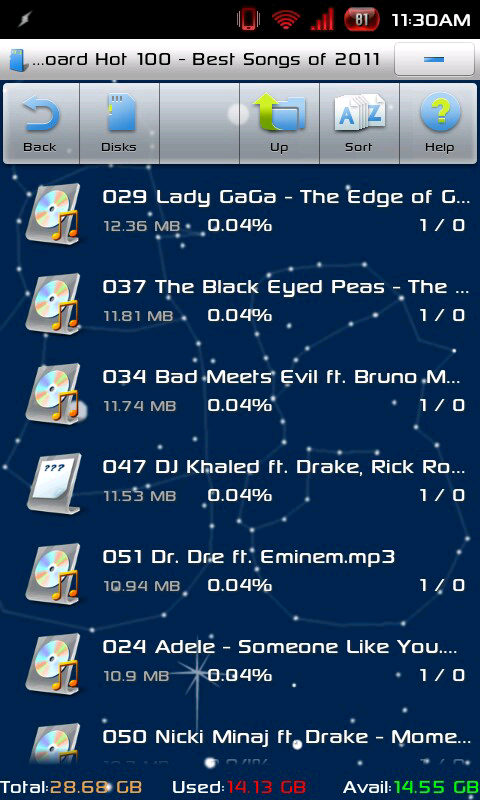
You can even dig into huge files, select and delete them if you want.
Step 3.
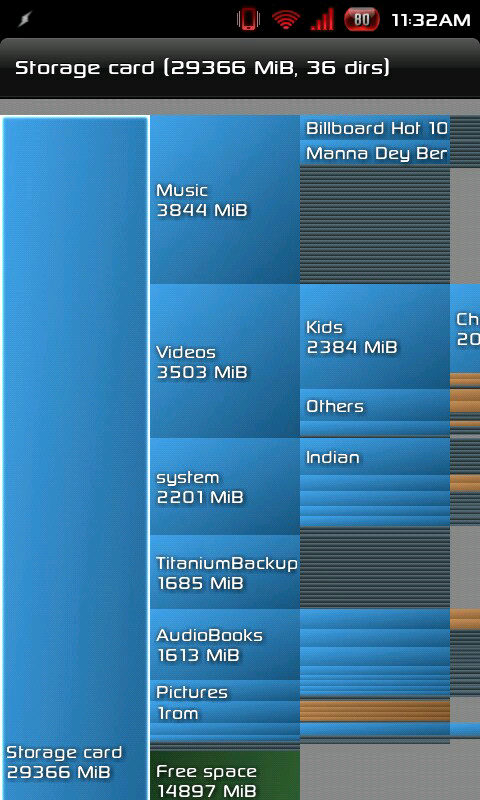
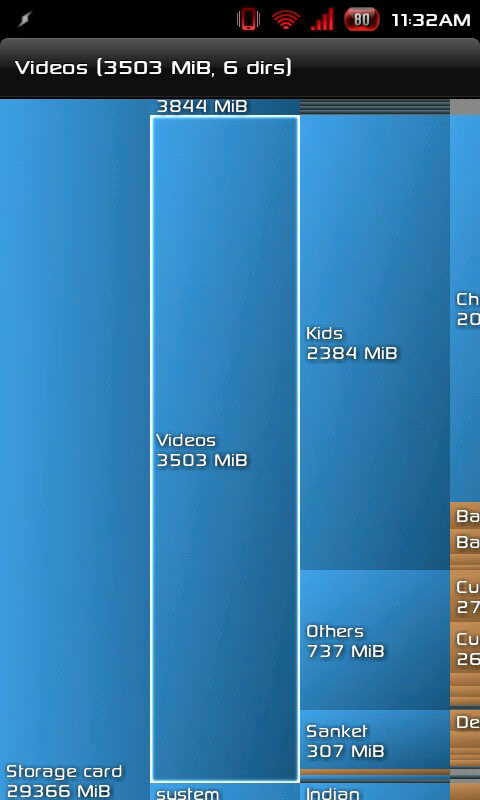
Now we will take the help of a specialized utility, tailor made for this purpose. Disk Usage is another free app, which will help you in finding out the oversized directories on your sdcard as well as internal memory.
Disk usage’s intuitive graphical interface is noteworthy
I hope you have been able to find the culprit files / folders or apps which are taking up space on your phone. Or you might be having some other solutions which worked for you, why not share them with our readers in the comments section, we will put it up over here for everybody’s help.
Lastly but not the least, don’t forget to share this with your friends so that they can have a blazingly fast mobile to get in touch with you whenever required.
Bitwarden is an open-source password manager that helps individuals and organizations securely store, manage, and…
In today's digital age, traditional cable TV is steadily being replaced by more flexible and…
log2ram is a utility specifically designed for Linux-based systems, particularly single-board computers like the Raspberry…
How to Add a ChatGPT Voice Shortcut on iOS and Android With voice commands and…
For occasional VPN or proxy, you do not always need to pay for a reliable…
When it comes to protecting your Mac, Time Machine offers an effortless and powerful way to keep…